
Presenting in the virtual world
Richard John, COO, Realise, shares some quick tips to help eventprofs successfully move from speaking on a stage, to speaking to an online event audience.
1. Create your own ‘stage’
In person, you would choose a suitable outfit, take to the stage, stand with presence, and confidently address your audience. Think about creating your own ‘stage’. Raise your camera or laptop and stand up. Choose your location carefully, whether at home or in the office.
Dress the set by selecting background props with care. Avoid being in front of windows, and make sure the light source is on your face, not behind you.
2. Get comfortable, but not too comfortable
If you do sit instead of stand, raise your camera to eye level (a stack of books or a box is an easy solution). You don’t want to physically (or figuratively) look down on your audience.
Relaxing in your seat can compress the diaphragm leaving you slightly breathless as well as making you sound more monotone. Project energy by getting on the edge of your seat — and keep your audience on the edge of theirs too.
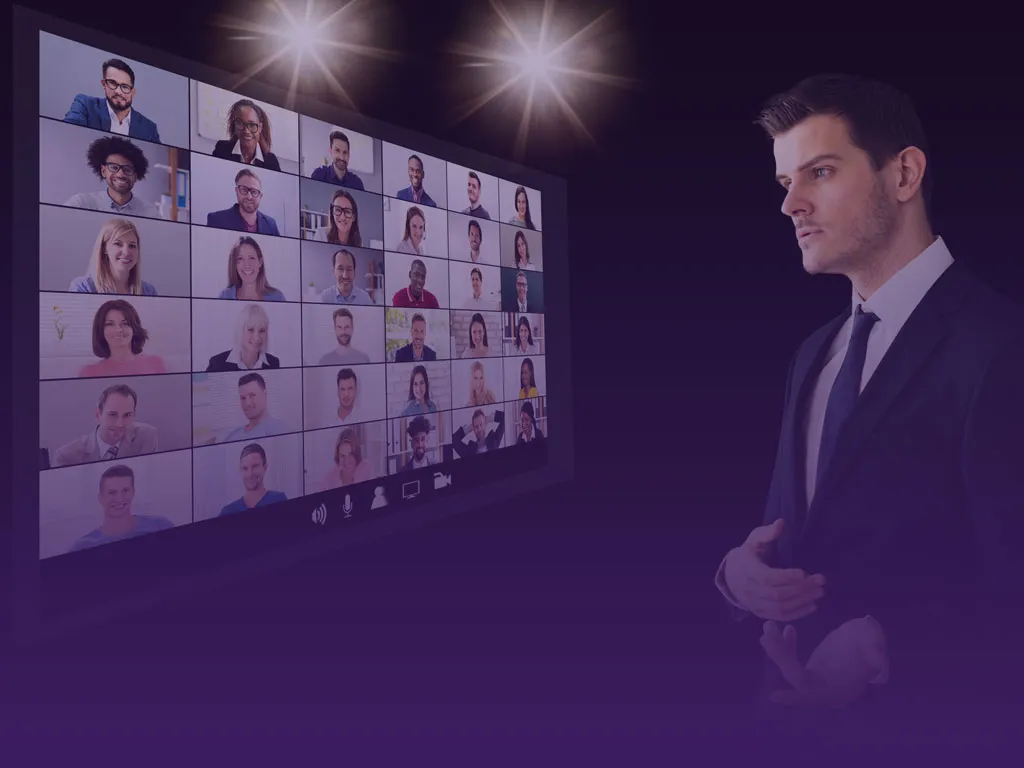
3. Don’t let technology distract your audience
It is harder to keep an audience focused online than from a stage. You might be tempted to use, for example, a virtual background; however, as you talk and move this can cause blurring which viewers will find distracting.
Consider your audio choices, a discrete earbud microphone is far better than a bulky headset. Speaking of sound, alert the family or colleagues about what you’re doing and when to minimize background noise and interruptions.
4. Streamline your presenting aids
You’ve seen the presenters looking everywhere but at their audience. Don’t be one of them. If you have a producer or ’show caller,’ take their guidance; they want to help you shine. Make time to understand the virtual platform used for the event. There are many similarities across platforms but it’s the little operational differences that can trip you up. The event producer will be happy to get you practice time.
Whilst most of us now use at least two screens, try using just one for your presentation. Simply shrink the ’tiles’ of any software you’re using so you can have a copy of your presentation, plus any secondary chat channel (WhatsApp or Slack, for example) on one screen. This will help you keep that all-important eye contact with your audience.
5. Rehearse like a rock star
The Rolling Stones have been singing about ‘Brown Sugar’ since 1971. And 50+ years later they still rehearse before every tour. They know their audience has high expectations. Yours does too.
Practice, practice, and practice some more. Then turn up on time, close down your emails, and anything else that might interrupt you and, for the duration of your presentation, give the invisible audience your all.
They’ll thank you for it.

Get in touch for your event registration strategy and delivery